KnowledgePilot: AI summarizer for YouTube videos and documents.

Find the key points in a video or document, then check the evidence. Paste a YouTube link or upload a file. Choose a summary, an article or a focused question. Use source-linked outputs to return to the video moment or document passage behind an answer.

  • 40 starter credits
  • About 2 one-hour YouTube analyses with 4–5 outputs each
  • No credit card required
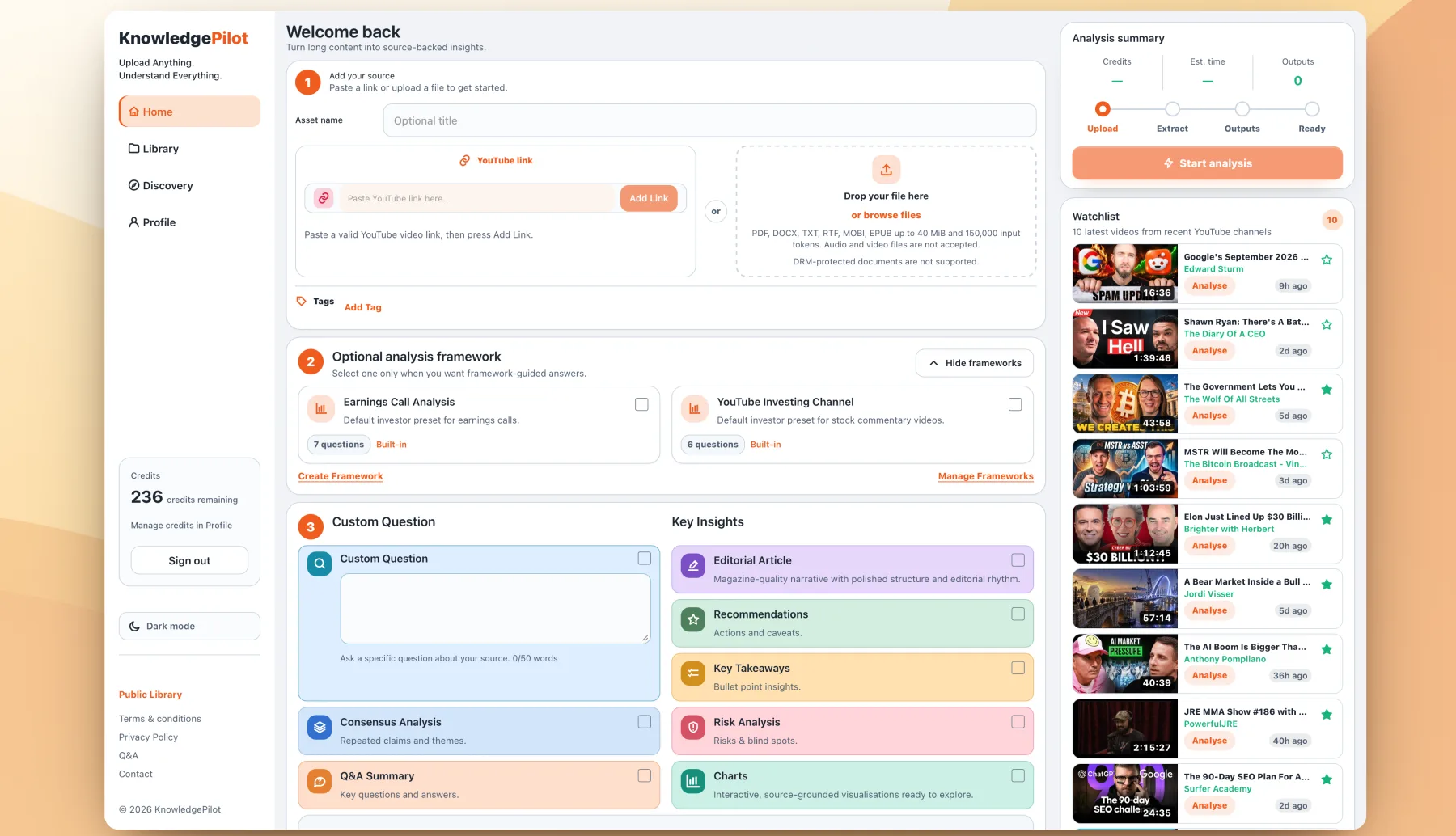
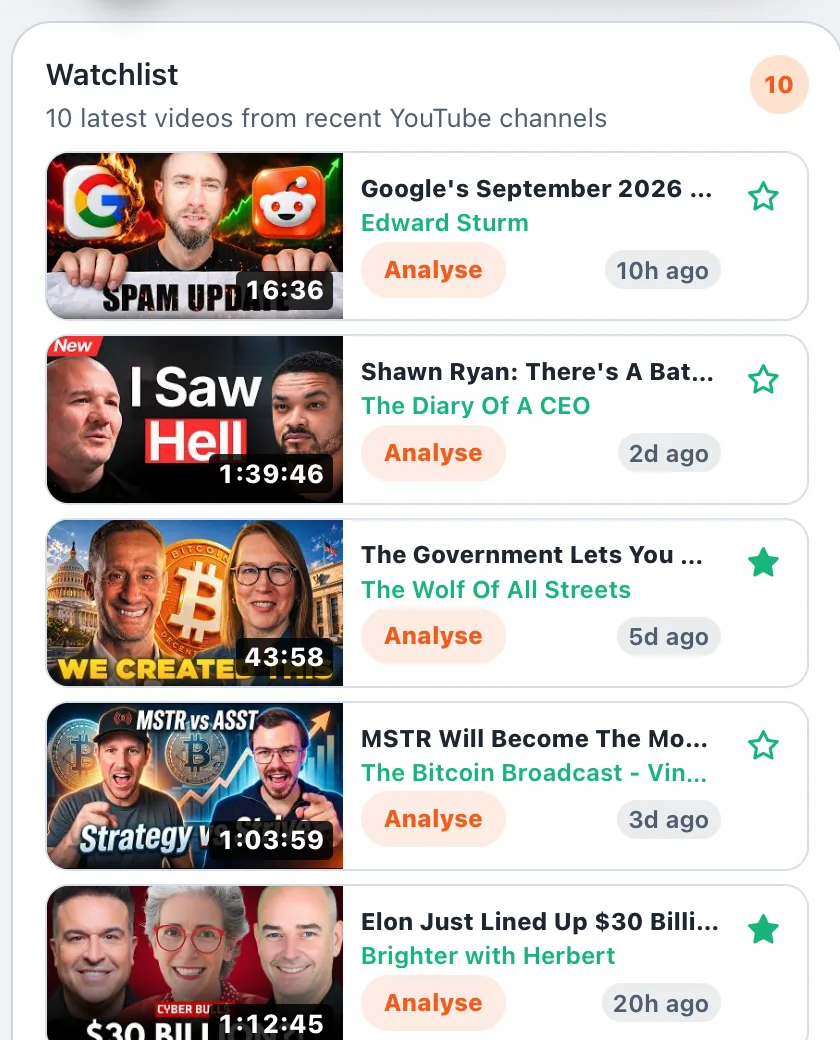
KnowledgePilot dashboard with source upload, analysis frameworks, colorful output cards, progress summary, and recent Watchlist videos.
KnowledgePilot dashboard

From your sources to useful insights

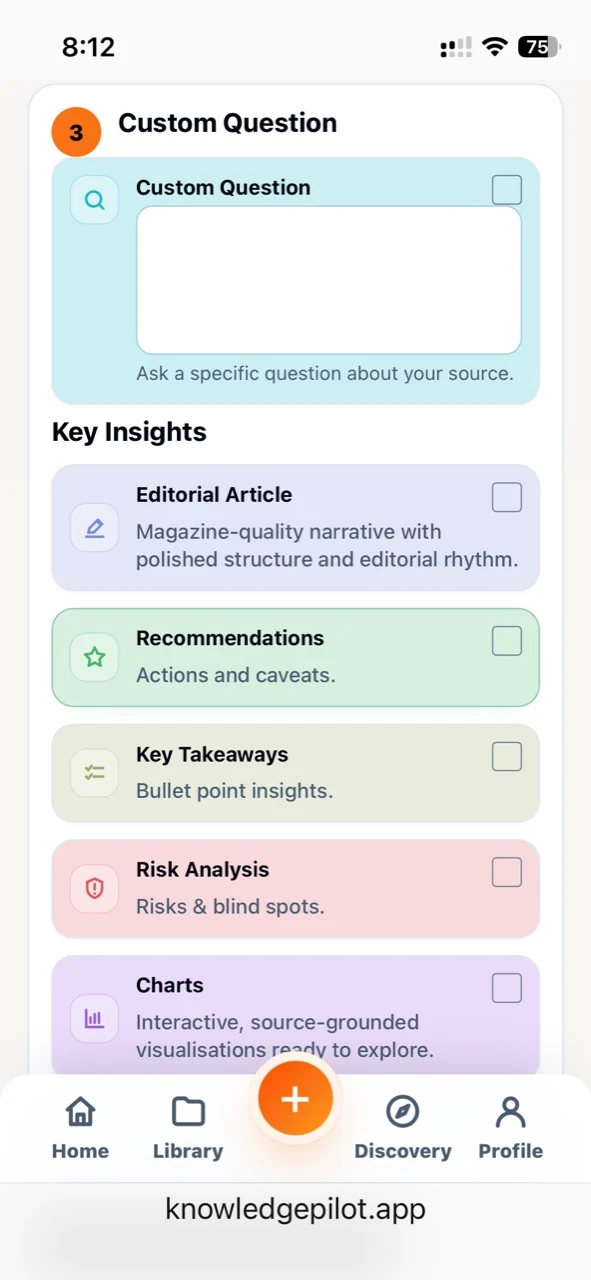
Choose what you want to create.

  • Custom Questions
  • Articles
  • Blog Posts
  • Q&A
  • Study Cards
  • Recommendations
  • Key Takeaways
  • Risk Analysis
  • Charts

And more…

Supported sources: YouTube links and PDF, DOCX, TXT, RTF, MOBI, EPUB files. Documents can be up to 40 MiB, or about 400 typical pages. DRM-protected documents are not supported.

Evidence in view

Check the source behind an answer.

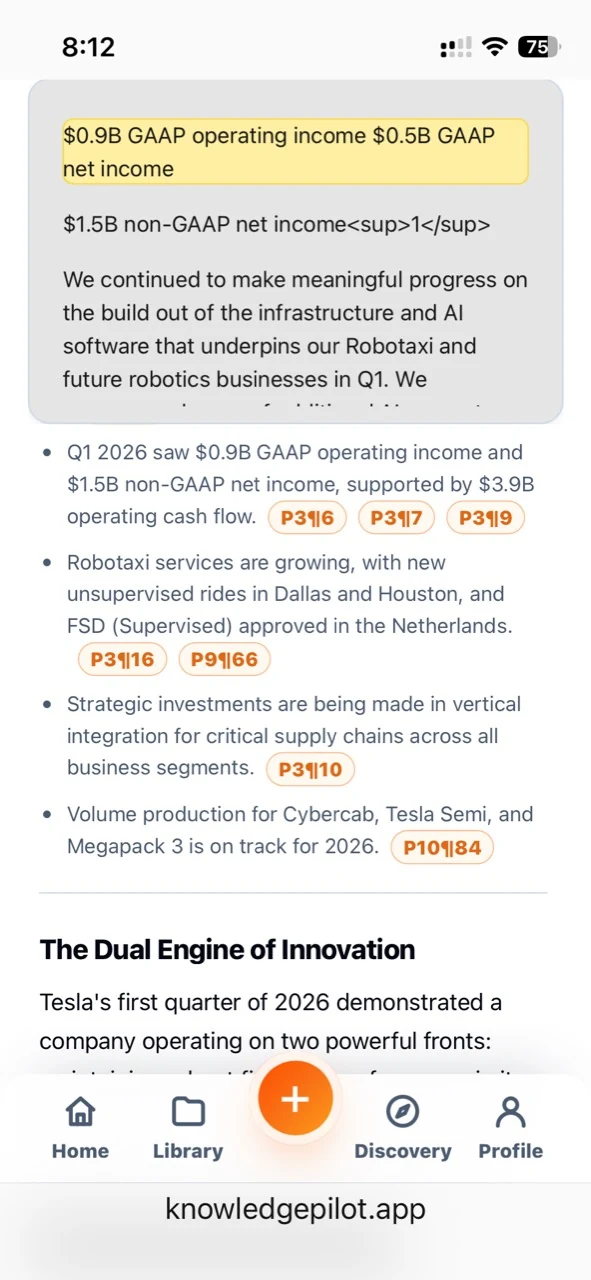
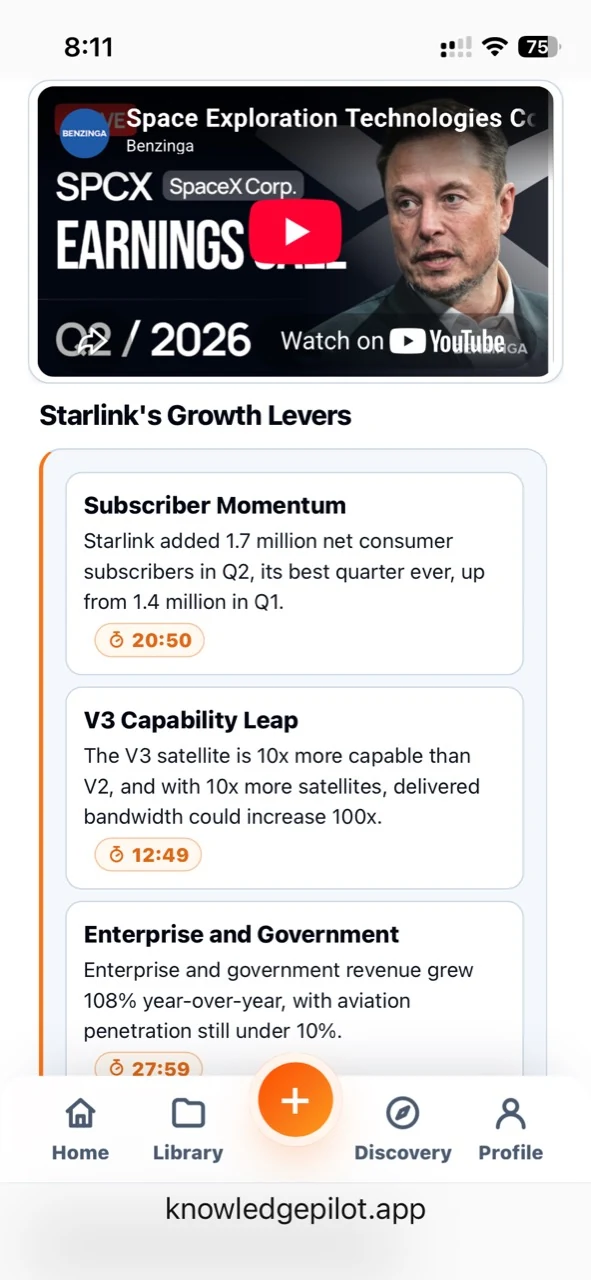
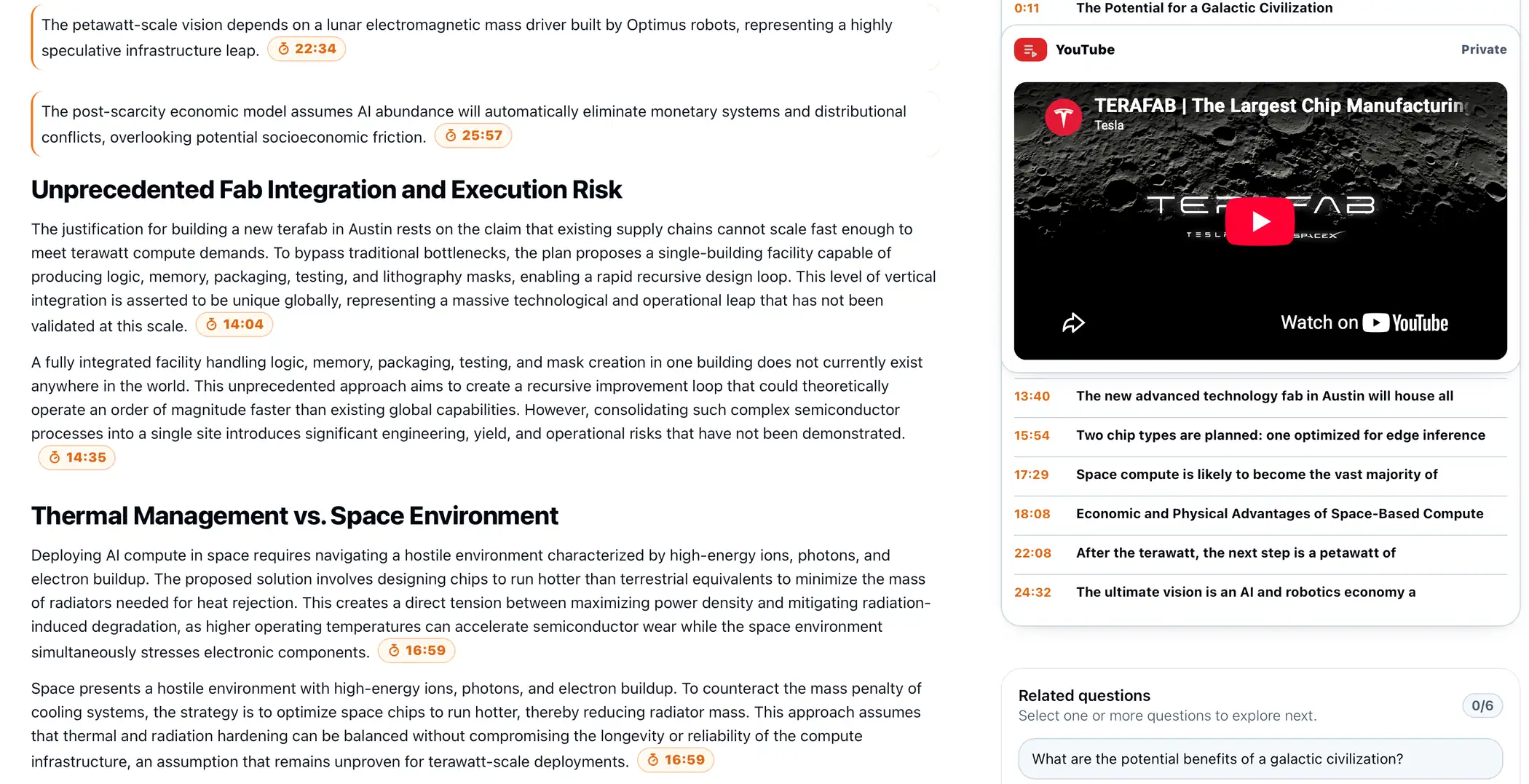
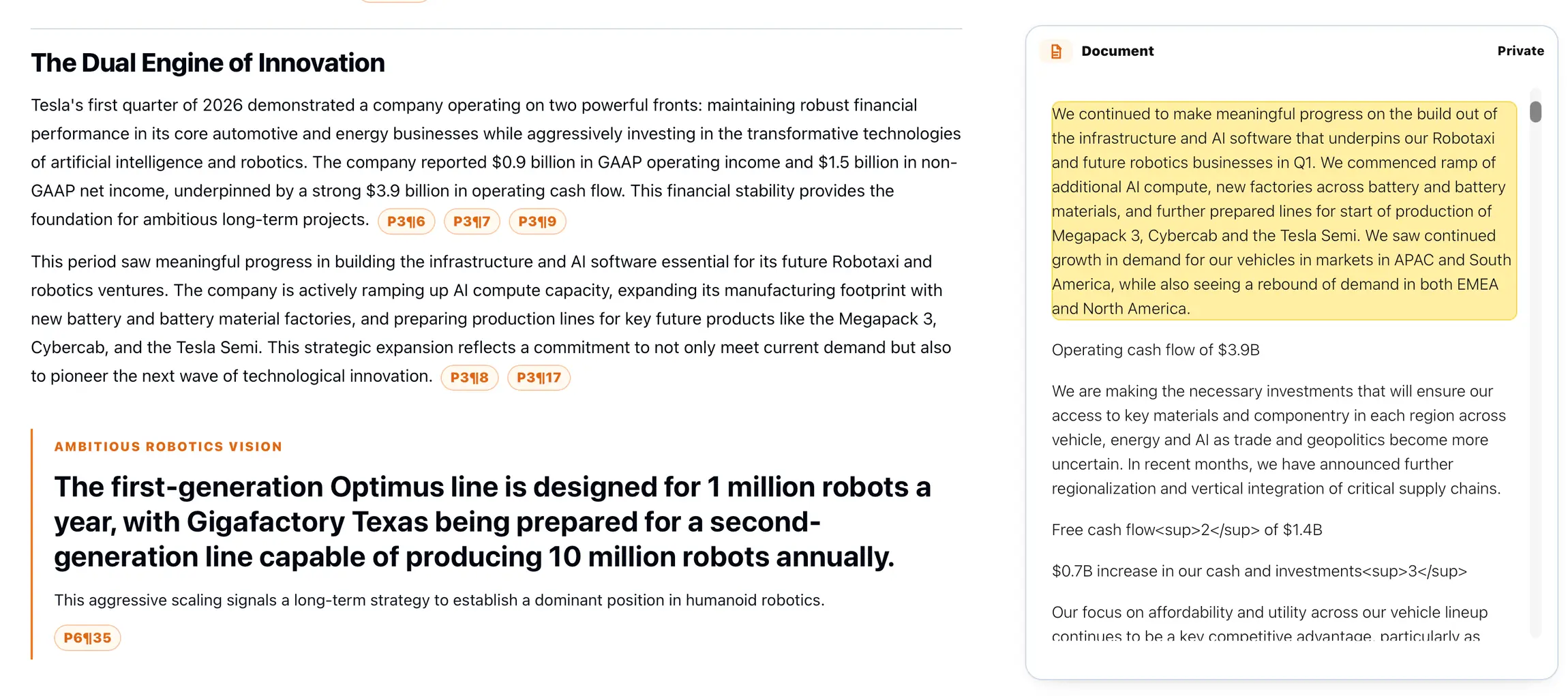
Keep key passages, related findings, and video moments close to the ideas they support.

Choose your starting point

A summary that helps you find what matters.

A YouTube summary tool for long videos

Use an AI video summarizer to find the main ideas in interviews, lectures and podcasts. Read the key points, then follow available timestamps to check the speaker’s words. Video length affects how much there is to review; focus on one topic when you need a closer look.

A document summarizer for PDFs and research papers

Find a document’s main argument, ask about a section or extract key findings. Use supporting passages to check names, numbers and qualifications. A summary helps you navigate a research paper; it does not replace reviewing its methods and limitations.

Choose the focus of your AI summary

Ask for brief bullet points or a detailed answer to a specific question. State your preferred summary length in the prompt. Short Summary is citation-free; choose a source-linked output when you need evidence. Check the original video content when a claim depends on a chart or demonstration that a video transcript may omit.

How it works

From a video or document to useful notes in 3 steps.

1

Add a source

Paste a YouTube link or upload a document.

2

Analyze with evidence

Ask a question or choose an output. Use citations to check the supporting evidence.

3

Build knowledge that keeps growing

Research across sources in a Knowledge Hub and follow channels for new videos.

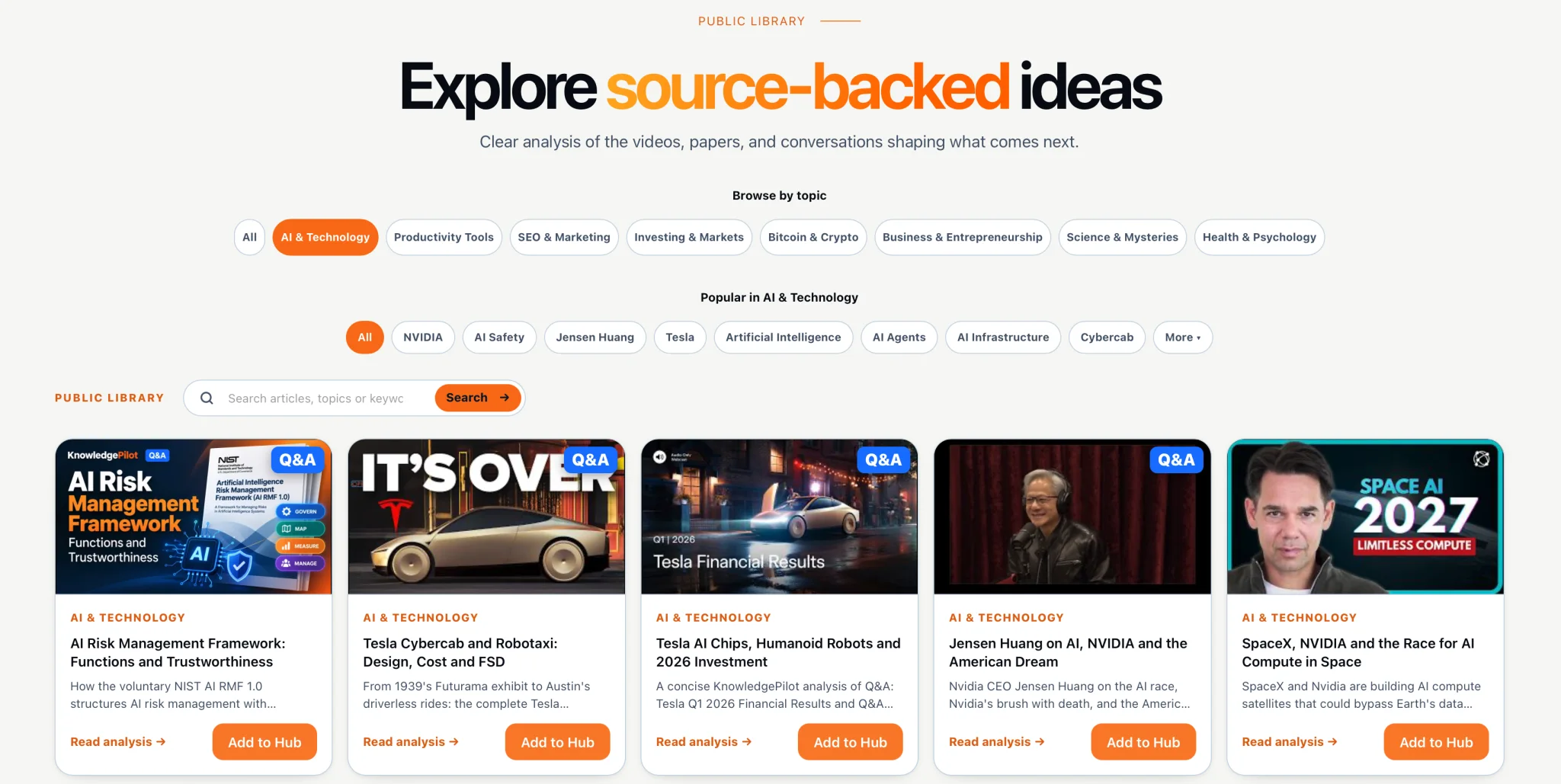
KnowledgePilot public Library showing topic filters, search, and source-backed article cards with Add to Hub actions.

Public Library

Explore research across different topics.

See our Public Library for articles on different topics and use them in your own Library and Knowledge Hubs.

New to the product? Read our introduction to KnowledgePilot for YouTube and document summaries, then explore how KnowledgePilot Knowledge Hub connects videos and documents.

Bring every source together in one Knowledge Hub.

Build a library of documents and videos, bring related sources together in Knowledge Hubs, and ask questions across them. Get clear, source-backed answers while keeping every project organized in one place.

  • Create your research librarySave videos, documents, notes, and generated analyses for future reference.
  • Organize sources into HubsGroup related material by topic, project, client, or research goal.
  • Ask across multiple sourcesExplore connections and get answers grounded in everything within a Hub.
  • Verify every important insightJump directly to the supporting passage or video timestamp.

Simple pricing

Choose the plan that fits your research.

Start with 40 trial credits, then choose a monthly plan for books, documents, YouTube summaries and transcript extraction. Your credit balance is shared across KnowledgePilot.

Prices shown in USD. Credits are added monthly on paid plans.

Start turning your sources into knowledge.

Paste a YouTube link or upload a document to get source-backed answers, summaries, and research. New accounts receive 40 starter credits after email verification.

  • 40 starter creditsAdded after email verification
  • No credit card requiredNothing to cancel
  • YouTube + documentsPDF, DOCX, TXT, RTF, MOBI, EPUB; up to 40 MiB / about 400 typical pages
Create free account

Already have an account? Log in

DANG verified directory badge for KnowledgePilotFeatured on SaaSCityFeatured on NoonlaunchLaunchNest listing badge for KnowledgePilotKnowledgePilot featured on Twelve ToolsKnowledgePilot YouTube and PDF Summarizer listed on AI Directories